Word & Character Counter
Strict word limits are everywhere — university essays, job applications, meta descriptions, ad headlines, and social media captions. This counter updates live while you type, so you always know exactly where you stand without guessing.
Use the Word & Character Counter now — free, no sign-up
Open the Tool →What the Word & Character Counter does
The counter splits your text on whitespace to count words, counts every character including spaces for the character total, and detects sentence and paragraph boundaries using standard punctuation and blank-line rules. The counts update on every keystroke, so you get instant feedback while you trim or expand your writing.
How to use it
- 1Open the Word & Character Counter tool.
- 2Type or paste your text into the box.
- 3Watch the counts update in real time — no button clicks needed.
- 4Edit your text until it fits your limit.
Key features
- ✓Live word, character, sentence, and paragraph counts
- ✓Real-time updates as you type or paste
- ✓Your text stays in your browser — nothing is uploaded
- ✓Useful for essays, articles, tweets, and meta descriptions
- ✓Works on any device with a browser
- ✓Free and unlimited
Example use case
Example: a college application asks for 250 words or fewer. Paste your draft, see you are at 312, and trim until the counter reads 248 — with no manual counting and no risk of going over the limit.
Frequently asked questions
Does the character count include spaces?
Yes — the character counter counts every character in the text, including spaces and punctuation, which matches how most platforms (including social networks) measure length.
Is there a limit on how much text I can paste?
No practical limit. The counter is designed for essays, articles, and typical documents and keeps working as you type.
Can I use it offline?
Once the page is loaded, the counting happens locally in your browser, so it keeps working even if your connection drops.
Related tools
Text Case Converter
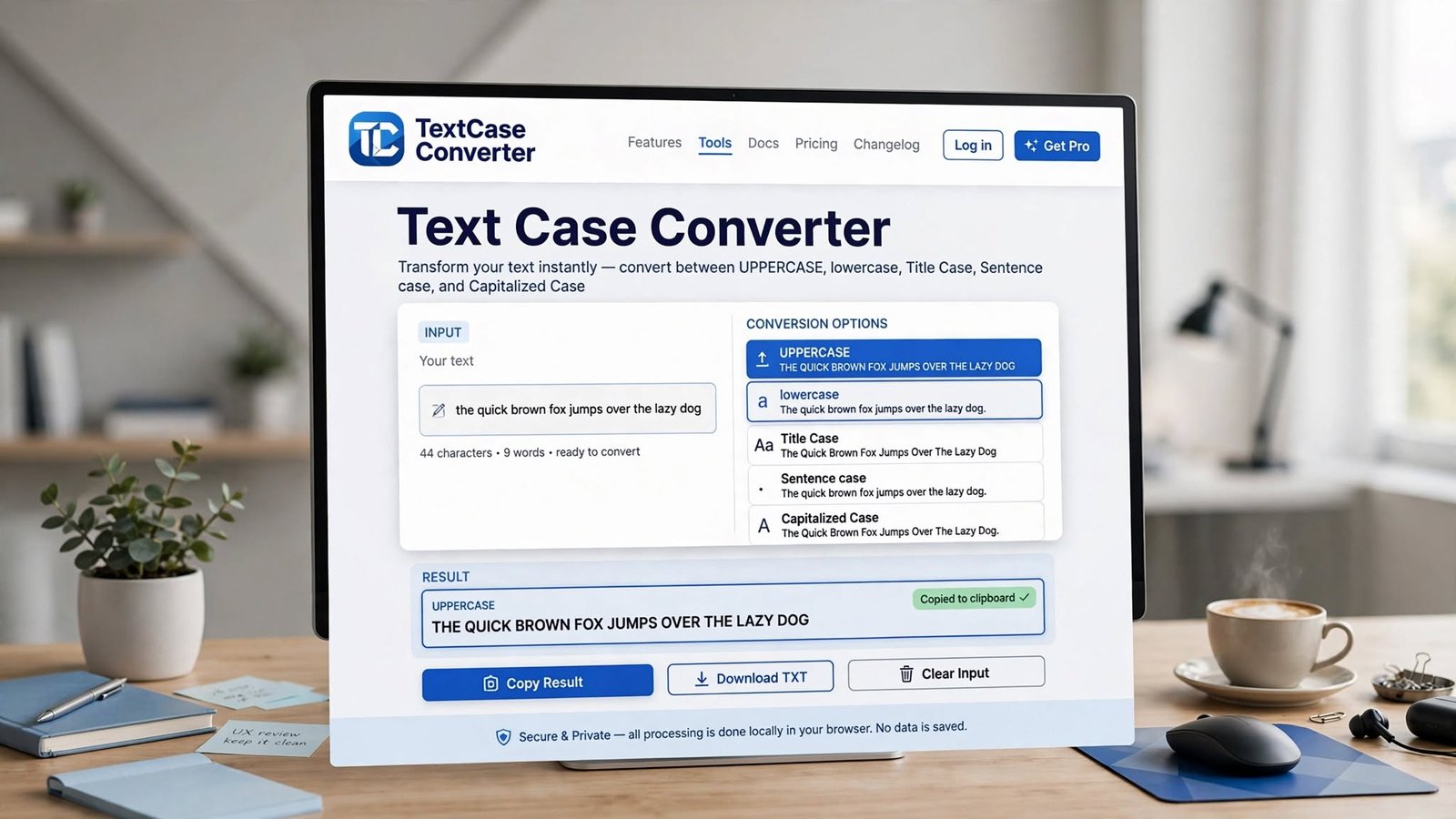
Convert text to UPPERCASE, lowercase, Title Case, Sentence case, or reverse it instantly. Free online text case converter that runs in your browser.
Lorem Ipsum Generator
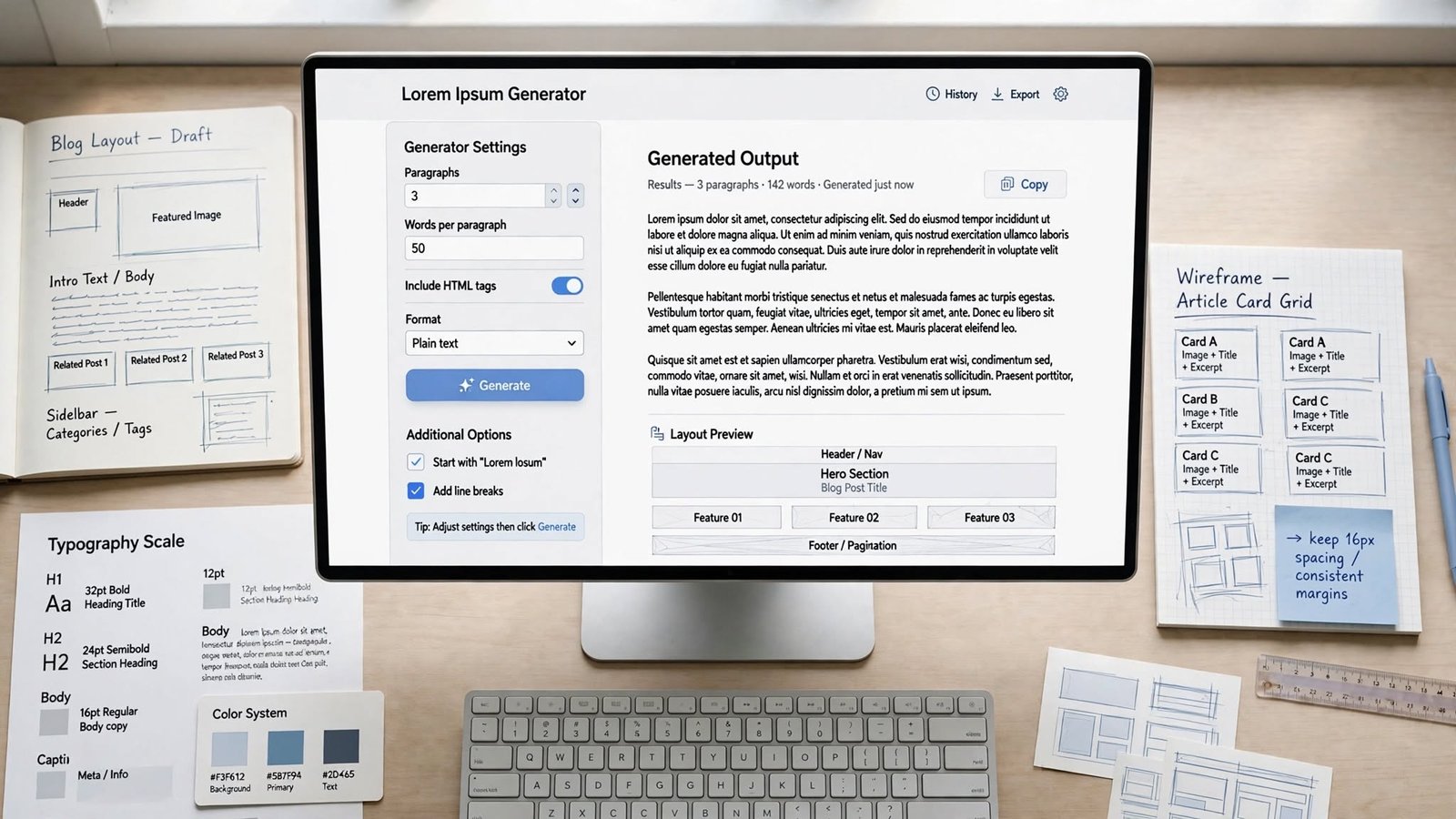
Generate lorem ipsum placeholder text by paragraphs, sentences, or words. Free dummy text generator for designers, developers, and mockups.
Markdown Preview
Write Markdown and see a live rendered preview side by side. Free online Markdown preview tool with headings, lists, links, code, quotes, and more.