Text Case Converter
Text arrives in the wrong case all the time — a headline typed in lowercase, a file name in full caps, or a paragraph that needs clean sentence case for a report. The Text Case Converter fixes any of these in a single click. Paste your text, pick a format, and copy the result.
Use the Text Case Converter now — free, no sign-up
Open the Tool →What the Text Case Converter does
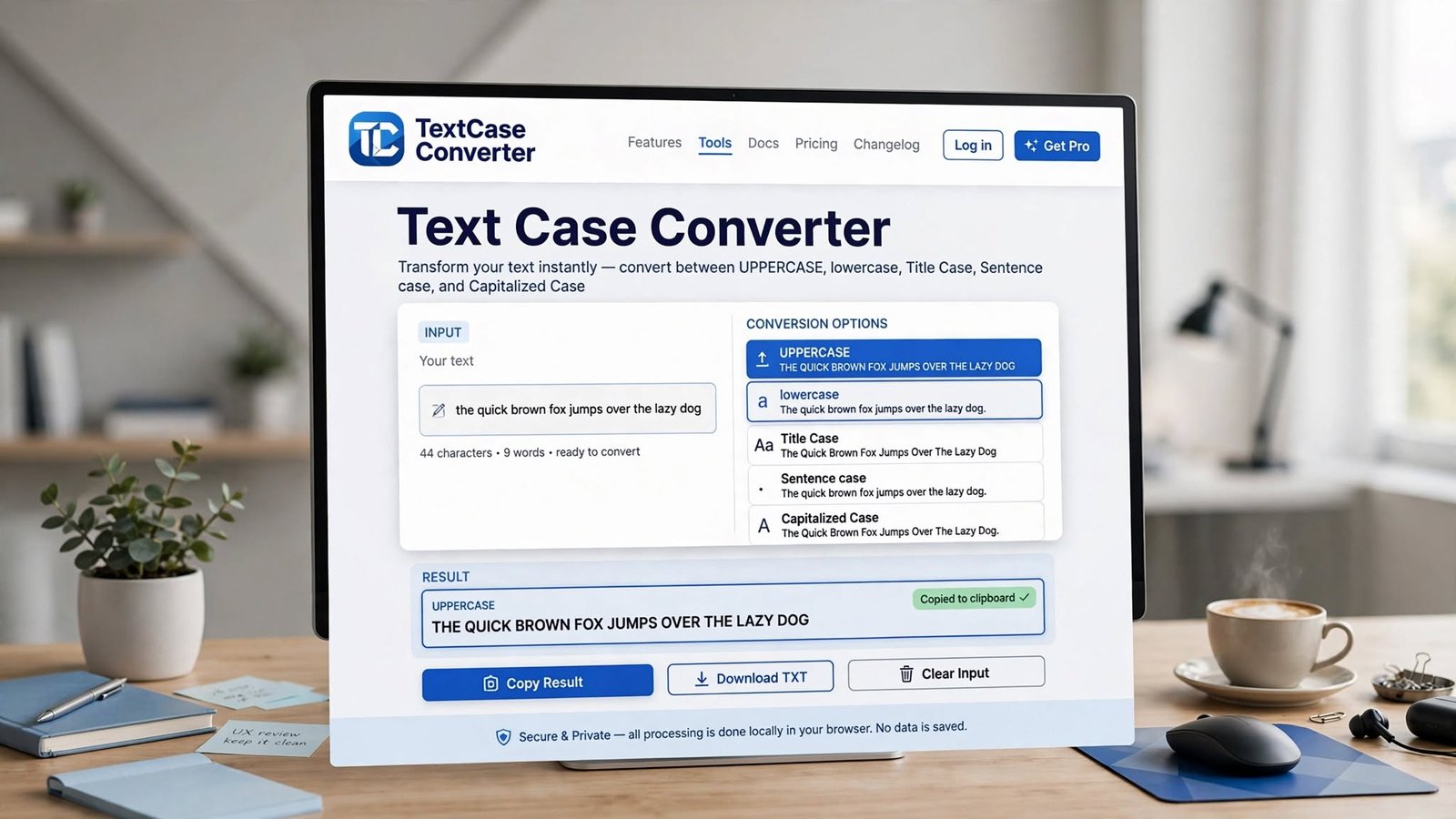
The converter supports six common transformations. UPPERCASE and lowercase are self-explanatory. Title Case capitalizes the first letter of every word, which suits headlines and menu labels. Sentence case capitalizes only the first letter of each sentence — the standard for most body text. tOGGLE cASE flips the case of every character, useful for undoing accidental Caps Lock. Reverse Text reverses the entire string, which some people use for simple puzzle games and text effects.
Because everything runs locally in your browser with JavaScript, even long documents convert instantly, and your text never travels over the network.
How to use it
- 1Open the Text Case Converter tool.
- 2Paste or type your text into the input box.
- 3Click the case style you need — UPPERCASE, lowercase, Title Case, Sentence case, tOGGLE cASE, or Reverse.
- 4The converted text appears instantly in the output box.
- 5Copy the result and use it wherever you need it.
Key features
- ✓Six conversion modes including Title Case and Sentence case
- ✓Instant conversion with no page reloads
- ✓Text is processed in your browser — nothing is uploaded to a server
- ✓Handles multiple paragraphs at once
- ✓Works on mobile, tablet, and desktop
- ✓Completely free with no sign-up
Example use case
A typical example: you receive a product list where every item name is typed like "WIRELESS MOUSE". Paste the list, hit Title Case, and it reads naturally as "Wireless Mouse" — ready for a client email or a website page.
Frequently asked questions
Is my text uploaded anywhere?
No. All conversion happens in your browser using JavaScript. Your text is not sent to our servers or stored anywhere.
Can I convert several paragraphs at once?
Yes. Paste as much text as you like — the converter preserves line breaks and applies the selected case to everything.
What is the difference between Title Case and Sentence case?
Title Case capitalizes the first letter of every word ("The Quick Brown Fox"), while Sentence case only capitalizes the first letter of each sentence ("The quick brown fox").
Related tools
Word & Character Counter
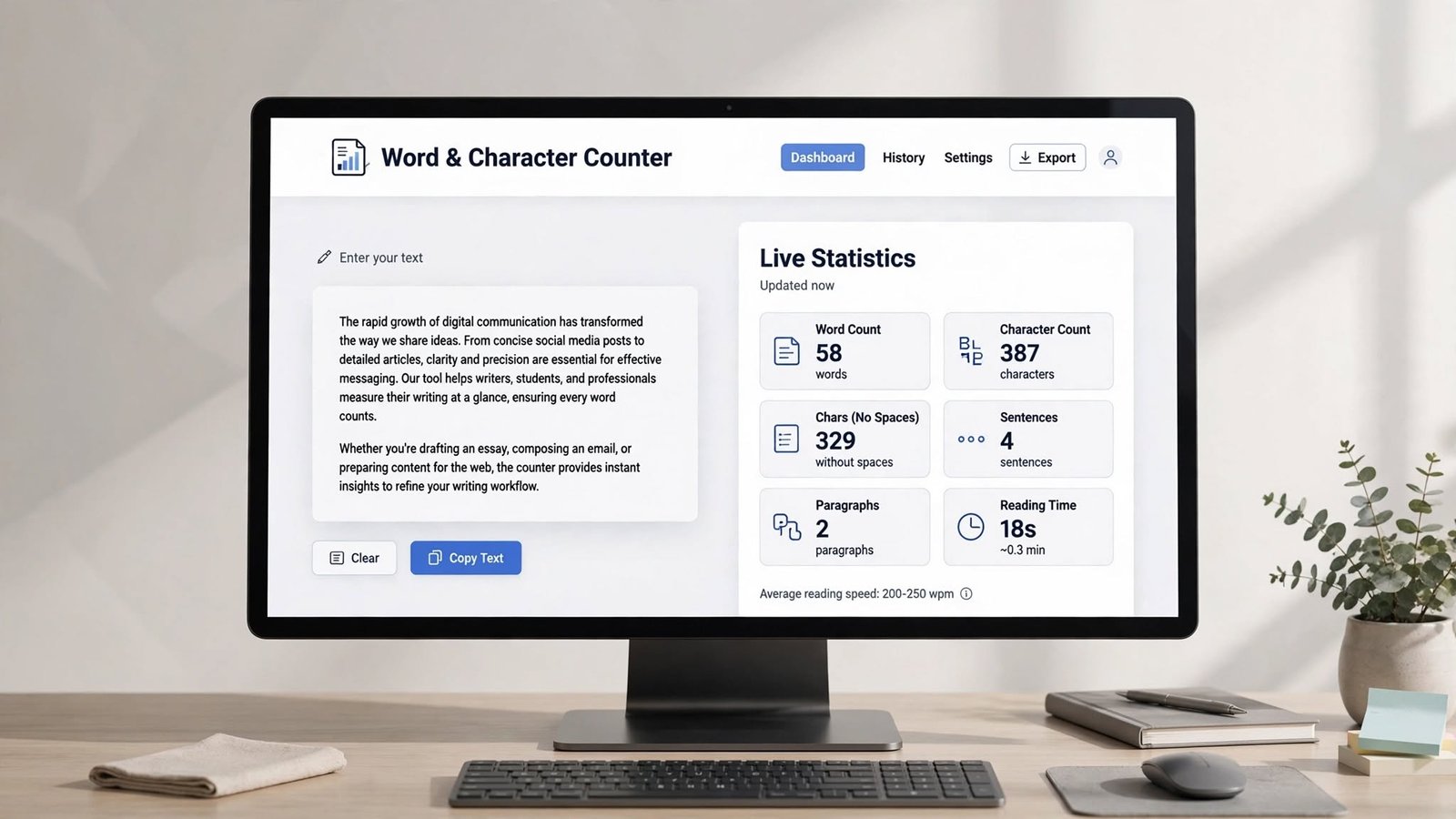
Count words, characters, sentences, and paragraphs in real time as you type. Free online word counter for essays, articles, and social media posts.
Markdown Preview
Write Markdown and see a live rendered preview side by side. Free online Markdown preview tool with headings, lists, links, code, quotes, and more.
Lorem Ipsum Generator
Generate lorem ipsum placeholder text by paragraphs, sentences, or words. Free dummy text generator for designers, developers, and mockups.