JSON Formatter
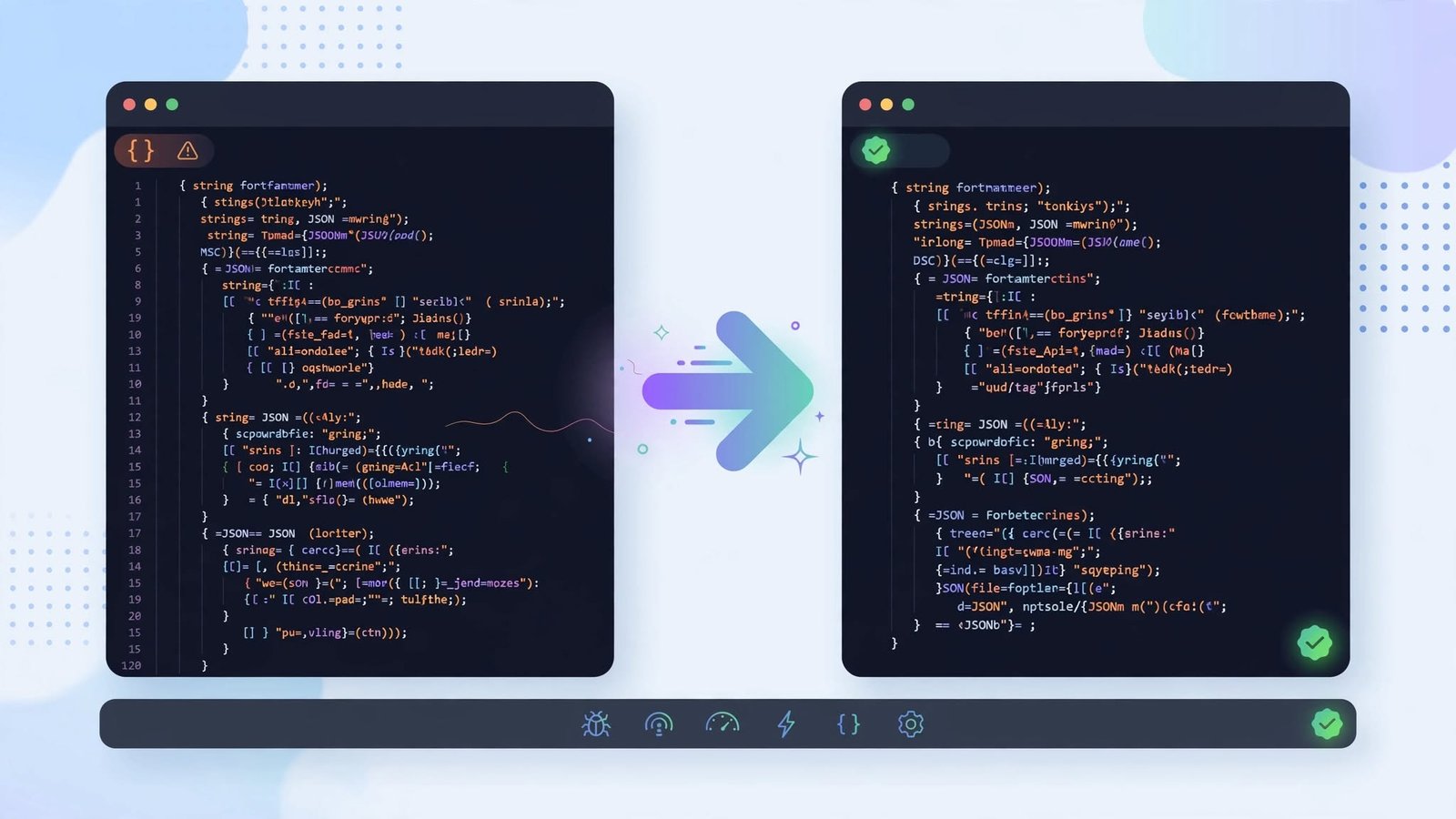
APIs usually return JSON as one long unbroken line, which is impossible to read and hard to debug. Paste it here and get properly indented, readable JSON — along with a clear error message if something in the syntax is wrong.
Use the JSON Formatter now — free, no sign-up
Open the Tool →What the JSON Formatter does
The formatter parses your input with the same strict rules browsers use for JSON.parse. If the input is valid, it is re-printed with consistent indentation. If it is not — a missing comma, an unquoted key, a trailing bracket — the tool tells you instead of silently returning garbage, so you can fix the exact spot before it breaks your application.
How to use it
- 1Open the JSON Formatter tool.
- 2Paste your minified or messy JSON.
- 3Click Format to beautify it, or Minify to compress it back down.
- 4Copy the formatted result, or read the error message to locate a syntax problem.
Key features
- ✓One-click beautify and minify
- ✓Instant validation with clear error messages for invalid JSON
- ✓Proper indentation and line breaks for easy reading
- ✓Your data never leaves your browser
- ✓Free with no size limits on typical API payloads
Example use case
Example: an API response is failing silently in your app. Paste the raw JSON here, and the tool points at the invalid token — turns out a field was missing a closing quote. You fix it in seconds instead of squinting at a 3,000-character single line.
Frequently asked questions
Does the formatter modify my data?
No — values are preserved exactly. Formatting only changes whitespace, line breaks, and indentation, never the content.
What is the difference between formatting and minifying?
Formatting (beautifying) adds indentation for readability; minifying removes all optional whitespace to produce the most compact valid JSON.
Is my JSON uploaded to a server?
No. Parsing and formatting happen locally in your browser, which makes the tool safe to use with private or work-in-progress data.
Related tools
URL Encoder / Decoder
Encode or decode URLs and query strings instantly with percent-encoding. Free online URL encoder and decoder for developers.
Markdown Preview
Write Markdown and see a live rendered preview side by side. Free online Markdown preview tool with headings, lists, links, code, quotes, and more.
Word & Character Counter
Count words, characters, sentences, and paragraphs in real time as you type. Free online word counter for essays, articles, and social media posts.