Markdown Preview
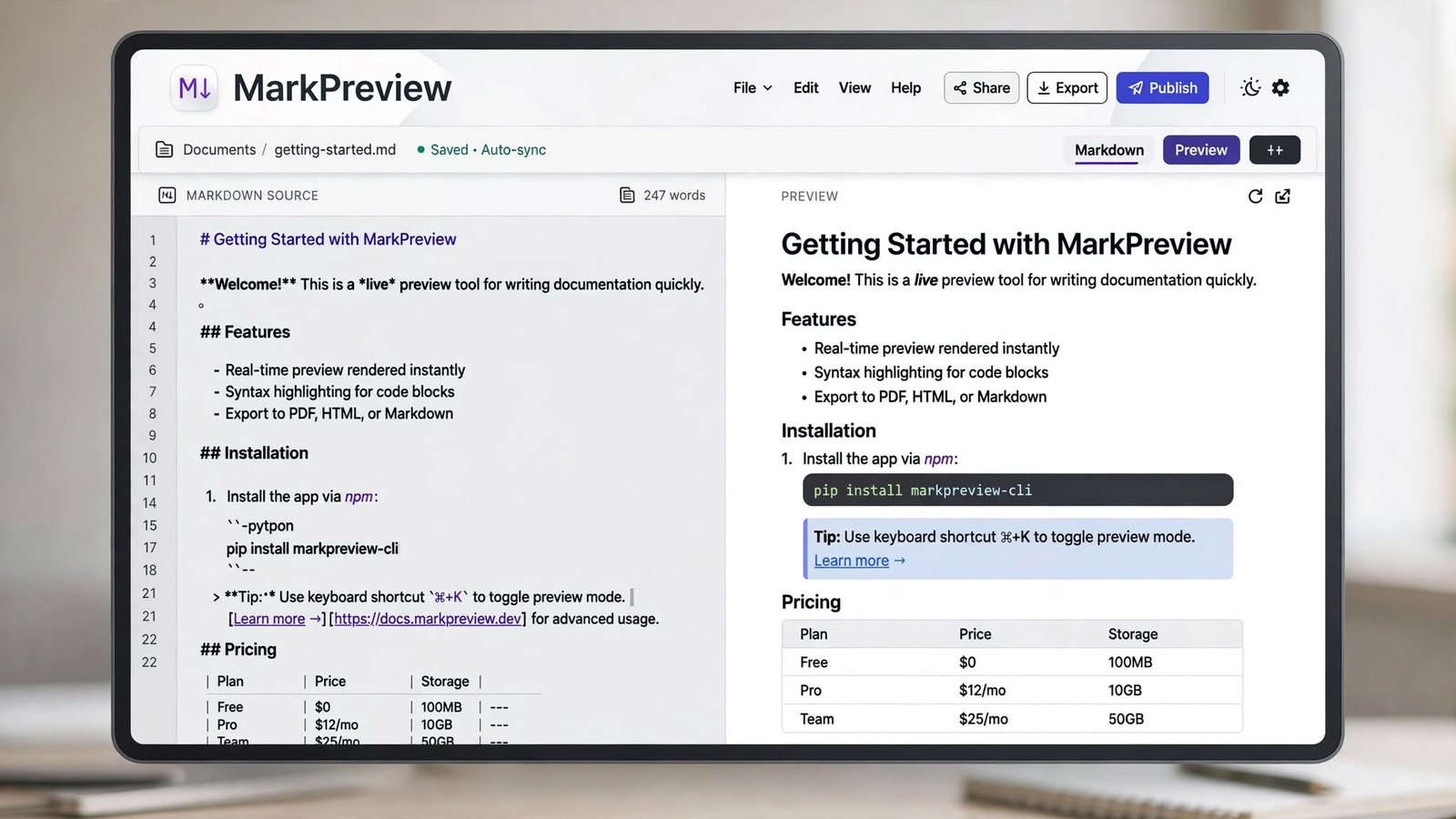
Markdown powers README files, documentation, blog platforms, and note-taking apps. With this tool you write Markdown on the left and see the rendered result on the right, updating live as you type — the fastest way to check that your formatting is right before you publish.
Use the Markdown Preview now — free, no sign-up
Open the Tool →What the Markdown Preview does
The renderer supports the Markdown syntax people use most: headings (# through ###), bold, italic, inline code, blockquotes, bullet and numbered lists, and links. Because the preview refreshes instantly, you can experiment with formatting and immediately see exactly how it will look.
How to use it
- 1Open the Markdown Preview tool.
- 2Type or paste your Markdown in the left panel.
- 3Watch the rendered preview update instantly on the right.
- 4Copy your Markdown or use the preview to verify formatting before publishing.
Key features
- ✓Side-by-side editor and live rendered preview
- ✓Supports headings, bold, italic, inline code, quotes, lists, and links
- ✓Updates on every keystroke
- ✓Your content is processed locally in your browser
- ✓Free with no sign-up
Example use case
Example: you are writing a README for a GitHub project. Paste your draft here, confirm that headings, lists, and code snippets render the way you expect, then commit the file with confidence.
Frequently asked questions
Which Markdown features are supported?
Common syntax including headings, bold, italic, inline code, blockquotes, lists, and links. Very advanced features like tables inside nested structures may render differently from platform-specific Markdown flavors.
Can I preview GitHub-flavored Markdown?
The tool covers the core syntax that GitHub and most platforms share, which is enough for the majority of README and documentation work.
Is my writing saved anywhere?
No — the text you type stays in your browser and disappears when you close the tab, so copy anything you want to keep.
Related tools
JSON Formatter
Beautify, validate, and format JSON data online for free. Paste minified JSON, spot syntax errors instantly, and get clean, readable output.
Word & Character Counter
Count words, characters, sentences, and paragraphs in real time as you type. Free online word counter for essays, articles, and social media posts.
URL Encoder / Decoder
Encode or decode URLs and query strings instantly with percent-encoding. Free online URL encoder and decoder for developers.