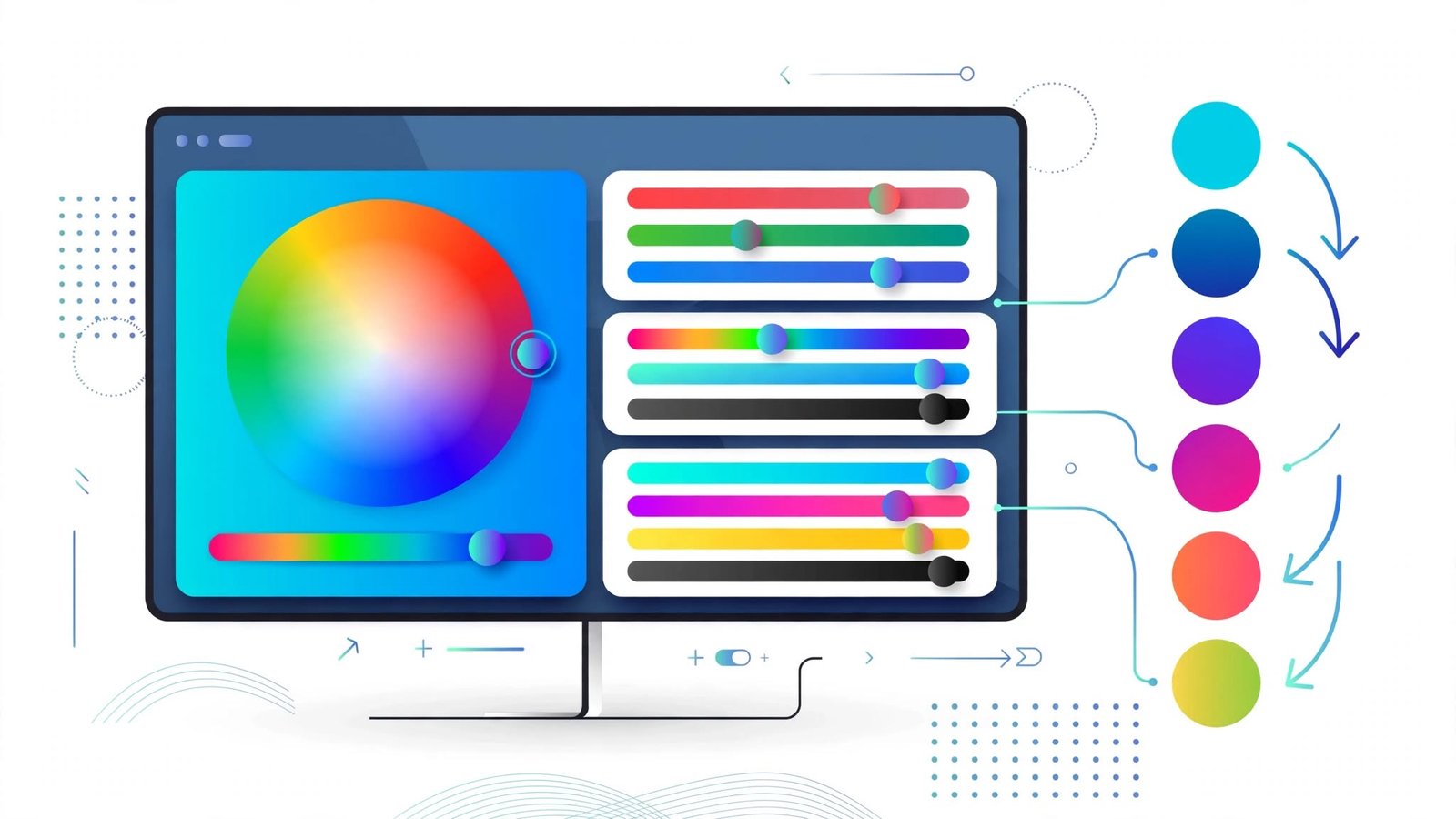
Color Converter: A Complete Guide to Converting HEX, RGB, HSL, and Other Color Formats
A complete guide to color formats: what HEX, RGB, and HSL mean, how to convert between them, when to use each, and common mistakes to avoid.
Okay I'm gonna tell you honestly, for like 2-3 years I had no clue what all this HEX RGB stuff is.
Then one day I got stuck badly. I had this blue #3498DB and I needed a lighter version of it for a hover button. So I started guessing. #3498DC... #3498DD... #3499DB... everything was looking weird. My senior saw it and was like "hey what are you doing? Convert to HSL and increase lightness". I was like HSL what?
That's when I searched color converter and found it. And tbh life became so easy after that.
So what does it do?
Think of Google Translate. You put English, you get Urdu.
This is same. You put HEX, you get RGB. Color stays same, only writing style changes.
Like that blue I was talking about:
If you write #3498DB that's HEX
If you write 52, 152, 219 that's RGB
If you write 204°, 70%, 53% that's HSL
All three are same. Exact same blue. Just some apps need HEX, some need RGB. So you convert. Simple.
Why so many types? Can't we just have one?
I used to think same.
But look - HEX is short. So coders love it. You can just write #FF0000 in your CSS and done.
RGB is how screens actually work. Your phone screen has tiny red green blue lights.
HSL is more... human. Like how we think. Hue means which color - red? blue? green? Saturation means how strong, how colorful. Lightness means how light or dark. So if you want to make a color lighter, HSL is so much easier.
And CMYK - leave it, that's for printers. Cyan Magenta Yellow Black. That's ink, not screen light. So if you print something, that format is used.
So different work, different format. That's why converter exists.
HEX - the one with #
You must have seen #000000 #FFFFFF #FF0000 everywhere in code.
It's 6 digits. First two for Red, middle two for Green, last two for Blue.
00 = zero, FF = full 255.
#FFFFFF = white. #FF0000 = red. #000000 = black.
That's it. Web devs use it cause it's short and easy to copy.
RGB is the same numbers written openly. Red Green Blue, each from 0 to 255:
0,0,0 = black. 255,255,255 = white. 255,0,0 = red.
That's how screens make colors. rgb(52, 152, 219) shows you each channel directly, which is why some developers prefer it for debugging.
HSL - now my favourite
HSL means Hue, Saturation, Lightness.
Hue is which color it is on the color wheel - 0° is red, 120° is green, 240° is blue.
Saturation is how intense the color is. 0% = grey and faded, 100% = the full vivid color.
Lightness is how dark or light it is. 0% = black, 100% = white, 50% = the normal color.
I love it because... suppose brand color is one blue and you need 5 lighter versions for background, buttons. In HEX you have to guess. In HSL you just keep hue same and increase lightness from 50% to 60% to 70%... perfect shades. So easy.
There's also HSV - Hue Saturation Value. Similar to HSL, just the brightness is calculated differently. You see it in Photoshop's color picker, that big square with the hue slider. You don't need to remember the difference - the converter handles it.
And remember printing is different. Screen = RGB, printer = CMYK. So color on your laptop will NEVER be 100% same when printed. Paper, ink quality changes everything. So any screen-to-print conversion is just approximate.
Inside, how does converter work?
It's just maths. Fixed formulas.
HEX to RGB - FF hex becomes 255 decimal. That's it.
RGB to HSL - there is a formula. I honestly don't remember it. The tool does.
Usually it does HEX -> RGB -> HSL like that, chain wise.
You paste one, it gives all others in like half second. And because modern converters do the calculation in your browser itself, nothing gets sent anywhere.
How I actually use it, step by step
I have one site bookmarked. Open daily like 10 times.
I paste whatever client gave. Suppose #3498DB.
It auto detects it's HEX. If not, I manually select HEX.
It instantly shows RGB, HSL, everything below.
I copy what I need. For website CSS I copy RGB or HSL, for Figma I copy HEX.
It's a 10-second job.
HEX to HSL - best for making palettes. Convert then adjust lightness.
A worked example, start to finish
Take the blue used by many websites: #3B82F6.
HEX: 3B = 59, 82 = 130, F6 = 246. So RGB = rgb(59, 130, 246).
To go from RGB to HSL, normalize each channel: 59/255 = 0.231, 130/255 = 0.510, 246/255 = 0.965.
Highest channel is 0.965, lowest is 0.231. Lightness = (0.965 + 0.231) / 2, which is about 60%.
The range is 0.965 - 0.231 = 0.734. Saturation = 0.734 / (1 - |2 x 0.598 - 1|) = 0.734 / 0.804, which is about 91%.
Blue is the highest channel, and blue sits at hue position 217 in the standard color wheel.
Final: hsl(217, 91%, 60%). Same color, three languages.
Why devs and designers actually need it?
Devs write colors in CSS daily. But sometimes the project uses RGB or HSL. Or designer gives RGB but code needs HEX. One paste and it's sorted - for themes, buttons, navbars, backgrounds, text colors, borders, hover effects, gradients. No manual calculation.
Designers pick a color in Figma, get HEX. Developer needs RGB. So you convert and hand over both. That keeps the exact same color across website, app, and branding.
And that's the real point - consistency. A website uses its brand color everywhere - headers, buttons, links, icons, cards, borders. If you type a slightly wrong code each time, colors look different and the whole thing looks unprofessional.
I need it daily tbh. Client gives HEX but I need RGBA with transparency for overlay - I convert. Photoshop gives RGB but code needs HEX - convert. Making a full website theme - I keep one main color and make 10 shades using HSL.
If you type colors manually you'll make mistake. One letter wrong and shade changes completely. Converter avoids that.
HEX vs RGB vs HSL
HEX is compact - #3498DB, easy to copy, works everywhere.
RGB is more descriptive - rgb(52,152,219) shows you the channels directly, and it's the one you can extend with transparency: rgba(52,152,219,0.5).
Same color both ways. Choice is just style.
But HSL is different - it's the one that tells you HOW to make variations. HEX doesn't tell you how to make it lighter. HSL does: keep hue same, increase lightness. That's why devs build themes with HSL.
Which format should you use?
Depends.
Website CSS? HEX is fine, most common.
Want to understand channels or need opacity control? RGB / rgba().
Want to make shades easily - hover states, lighter backgrounds, darker borders? HSL is best, trust me.
Printing visiting cards? CMYK.
Need transparent color? RGBA or HSLA.
No best format. Use what your software asks for.
Does color change after converting?
Technically no. Practically... a little yes.
My laptop screen and my phone screen show same #3498DB slightly different. Because screens are different. And print is totally different.
For normal website work, it's same enough, no one will notice. But for big brands where exact color is everything - like Coca Cola red must be exact - you need proper calibrated monitor and color profiles. Free online converter is not enough for that pro level.
Mistakes I made when I started
Typed HEX wrong - #3498DB I typed #3498B. Missing one digit, totally different color. Also typed #3498G once - G is not valid, HEX only uses 0-9 and A-F.
Mixed RGB order, put green first. Always R then G then B. Remember.
Typed 300 in RGB once. RGB is 0-255 only, out of range fails.
Thought saturation and lightness same in HSL. No. Saturation = intensity, lightness = dark/light. Different.
Copied the wrong output - converter shows many values, I grabbed HSV when I needed HSL. Read the label before copying.
Thought print will match screen exactly. It never does.
And if you ever convert by hand, don't round too early. Convert fully first, then round - otherwise you drift 1-2% off.
Accessibility - important point
Color is not only about looking nice. Text needs enough contrast with the background so people can actually read it - especially older readers or weak eyes.
A converter doesn't check accessibility automatically. It just gives you the values. You need a separate contrast checker for readability. But the converter gives you the exact values to test.
What about RGBA and HSLA?
Same as RGB and HSL but with A = Alpha = transparency.
1 = solid, 0 = invisible, 0.5 = half. Useful for glass effect, shadows, overlays.
There's also 8-digit HEX - same as 6-digit HEX plus two extra digits for transparency, like #3B82F680 for a semi-transparent blue.
Not all converters support these, check yours.
Is it free? Do you need to pay?
All good ones free. No need to install. Just use a browser tool. And don't use those that ask email just to convert a color. That's stupid. You only need a color code, no personal info.
One more thing - pick a tool that calculates locally in your browser. It's just a color code, there's no reason to send it to any server.
Does it work on mobile?
Yes. Browser-based converters work on phone too, if the site is responsive. I often check colors on my phone when I'm away from my laptop.
Quick questions people ask me
What is color converter? Just a tool that changes the same color from one code to another.
Which is most used for websites? HEX, but RGB and HSL are also standard now.
Can I convert HEX to RGB? Yes, that's what 90% of people need. And RGB to HEX too - both directions work.
What is HSL? Hue Saturation Lightness - a more human way to think about colors.
What is HSV? Hue Saturation Value - similar, you'll see it in Photoshop.
Can it convert transparent colors? If it supports RGBA / HSLA / 8-digit HEX, yes.
Are converters accurate? If properly made, yes - it's fixed maths, same result every time.
Will color look 100% same everywhere? No - screens differ slightly, print differs more.
Do color names still matter? Named colors like "tomato" work in CSS, but HEX and RGB give exact control, which is why most designers stick to codes.
Need to install software? No, a free online site is enough.
Final thing I wanna say
If you work with colors - website, app, logo, thumbnails, insta posts - just bookmark one good converter. Learn HEX RGB HSL once, that's it. Life becomes easy.
No need to remember formulas. Copy, convert, paste. Done.
That hover button blue I was stuck on? Now I just convert to HSL and increase lightness by 10%. Perfect lighter blue in 2 seconds. I wish someone told me this 2 years ago lol.
Jobnix Editorial Team — part of Jobnix Tools, we write and review practical guides for the free tools on this website, so you can use them with confidence.